
What NCDAC Search Covers
NCDAC is North Carolina's adult corrections agency. It runs the prisons and community supervision. The public search reaches prison, probation, and parole records, including old inactive entries. The agency traces its history to 1972. Think state custody, not a statewide mugshot catalog.
County jail, police, and court files sit elsewhere. So a fresh county booking may never appear here. A prison term or supervision stint later creates the state profile. County booking photos and NCDAC offender photos come from different custodians, and their dates can differ.
The search-tools page opens the public profile and points to help plus other state resources. Statuses change over time. The search includes inactive entries, so read each result as an agency record rather than a full case history.
Start any state-record search here; for county files, contact the sheriff or the court clerk directly.
Search NCDAC Offender Records
The state's prison agency keeps one lookup point for custody, probation, and parole details: the NCDAC Offender Public Information Search. You can search by name or status. The tool blends every field you enter, so type each detail carefully and add whatever else you know. Its official form loads blank, with no person chosen yet.
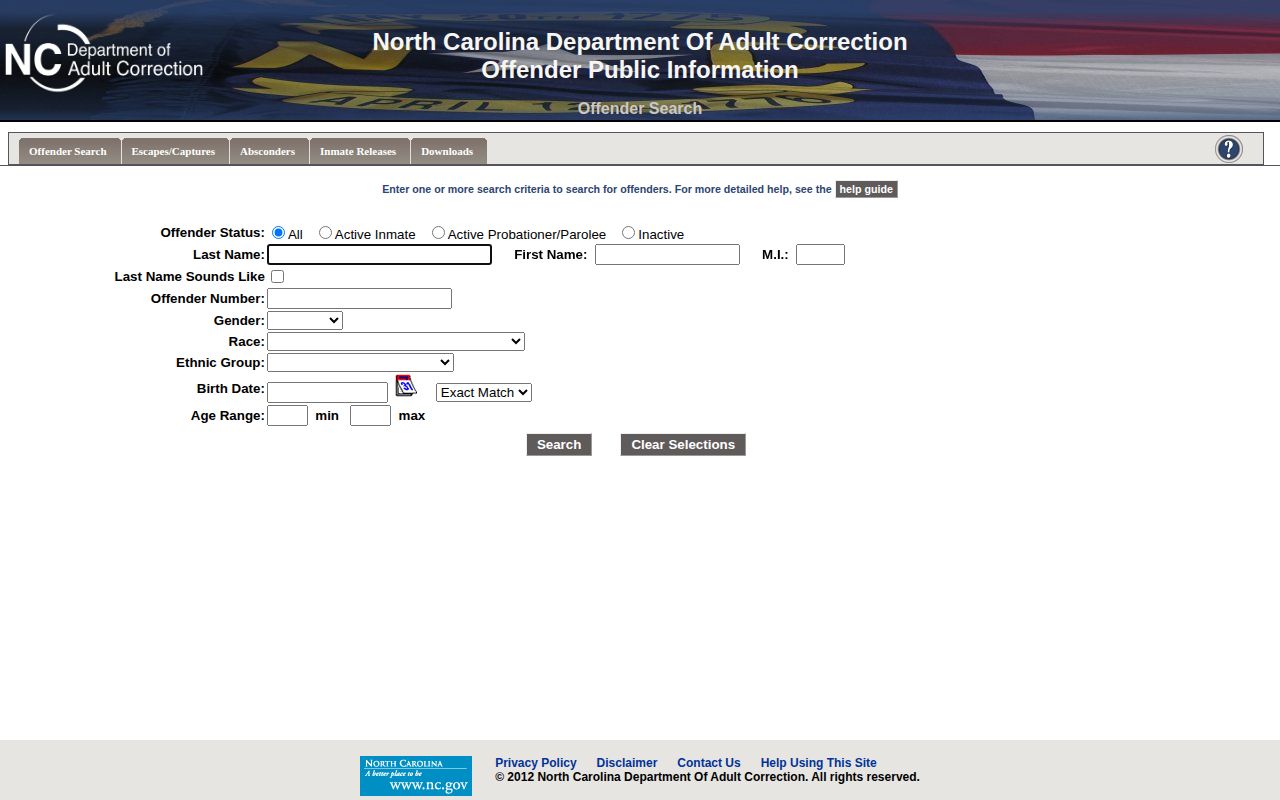
The blank form shows controls, not faces, just filters.
- Choose a status. Choose all records, active inmates, active probationers or parolees, or inactive entries. This tells the system which status group to return. An inactive search can show historical records, but it does not promise a photo.
- Enter a name. Enter a last and first name. Add a middle initial, gender, race, ethnic group, birth date, age range, or offender number only when known. The form applies all entered fields together, so an incorrect detail can hide a match.
- Use a sound-alike option. Use “last name sounds like” when spelling may be uncertain. It changes the surname match and can help with a variant spelling. Check another reliable detail before treating the result as the right person.
- Check the number format. NCDAC permits users to leave leading zeroes off an offender number. For example, `0054321` may be entered as `54321`. Keep the number shown on the profile if you need to ask the agency about that record.
- Narrow a large match set. The search can return up to 10,000 records. Enter an exact birth date in `MM/DD/YYYY` format or use the age-range controls. These filters can reduce a broad result for a common name.
- Open the detail record. Results display 24 at a time and can be sorted by heading. Select the offender number to open the profile. Review identity and status information before treating it as a match.
- Read the profile as a record. It is NCDAC public information, not proof of guilt beyond the disposition shown. Confirm identity before relying on it, and do not describe it as a current county arrest.
NCDAC's search help and results help pages explain the form, sorting, and result controls. Consult them when sorting hides a match. Broad queries return many names; added criteria narrow them.
NCDAC Offender Search Fields
The NCDAC search help page lists each field and shows how it narrows a query. Start with a name or number you trust.
| Field or control | How to use it |
|---|---|
| Last name and first name | Begin with the known names. A common surname may need another filter. |
| Middle initial | Add one when known. It can separate people with similar names. |
| Last name sounds like | Use it when spelling is uncertain. It changes how the surname is matched. |
| Gender, race, and ethnic group | Use identity filters only when details are known. They may help narrow results. |
| Birth date or age range | Use an exact date or an age range. This can reduce a large match set. |
| Offender number | Enter the number if known. NCDAC says you may omit leading zeroes. |
| Status | Choose all, inmate, supervision, or inactive. The choice depends on the record sought. |
Avoid guessing at every field. NCDAC applies every entry you make. A wrong date or status hides matches. When results run too broad, add a single known detail; when nothing appears, strip the uncertain filters and check spelling first. The linked field instructions cover name matching, dates, status, and offender numbers.
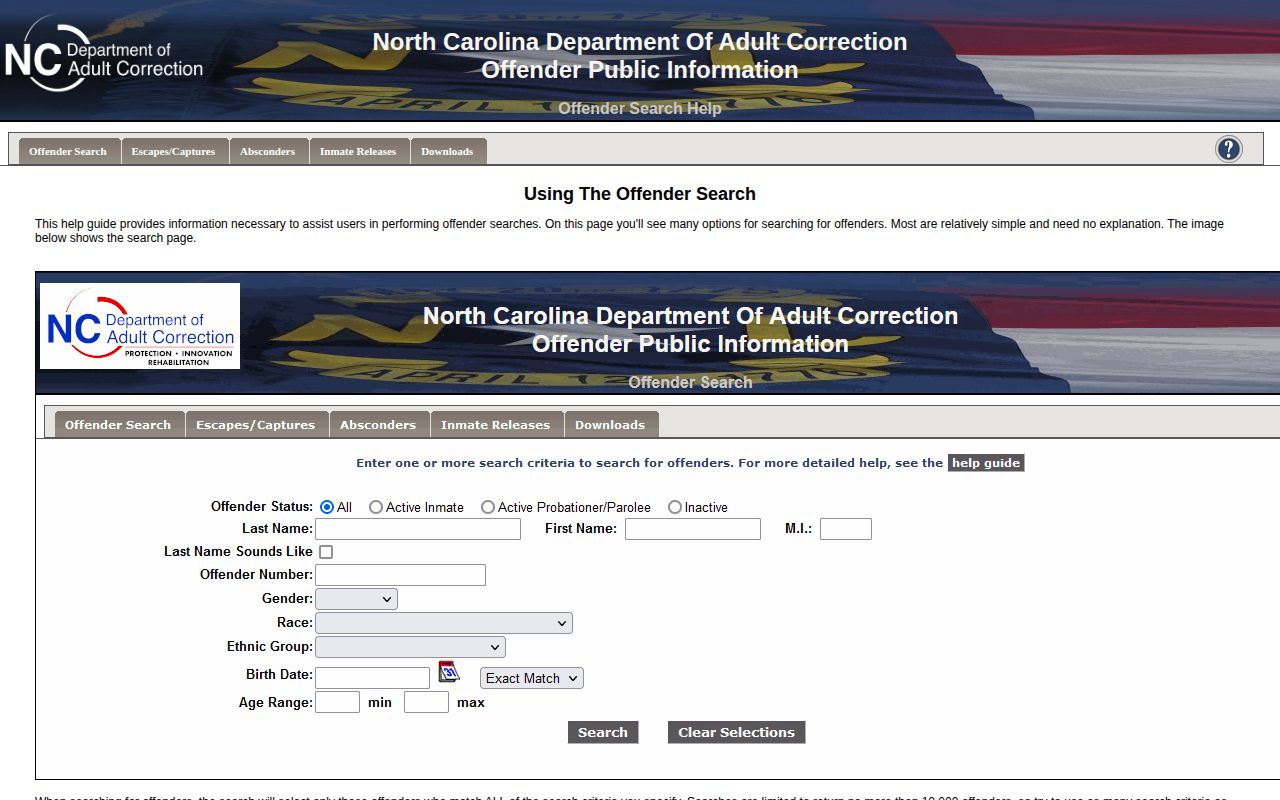
The help screen shows combined search fields. It reflects how NCDAC applies entered criteria.
NCDAC Search Status Results
A status filter helps you find the record. It cannot replace the profile, and it never touches county jail records. Active inmates sit in state prison. Active probationers and parolees live in the community, and people shift between groups over time.
| Search choice | What it can show | Photo note |
|---|---|---|
| All | Searches across the status groups available in NCDAC’s public system. | Photo display depends on the agency’s status rule and whether an image is available for that profile. |
| Active inmate | Shows a person in state prison custody, not everyone booked into a county jail. | An active inmate may have a photo when NCDAC has one available. |
| Active probationer or parolee | Shows community supervision, which does not mean the person is in prison or county jail. | The public-photo rule covers people who abscond from supervision, not every active profile. |
| Inactive | Can return historical state records for people who are no longer in active status. | An inactive entry may remain searchable without an ordinary public photo. |
NCDAC's history goes back to 1972, yet its database skips most county arrests. The agency holds no county jail, police, or court files. A missing result may mean the event stayed local. Pick a relevant status, then check with the county or court if no state entry appears. Searches use only the fields and status you select. Status can change.
Inactive history is not current custody. Check the profile's date and status, and ask the custodian for anything current. "Active inmate" means state prison. An active probationer or parolee lives under community supervision. These filters organize state records only, so they cannot find a county booking or court filing.
An "all" search still covers only NCDAC records. It skips county detainees. The inactive option surfaces past prison or supervision entries, but it is no live custody count. People move between groups as custody changes. Check each entry's date and status, and use the offender number to tell apart people with similar names. For a county booking, contact the local custodian instead of widening the filters.
Read an NCDAC Profile
Open the detail profile by selecting the offender number. Then weigh its status and identity fields against what you already know. A shared name alone proves little. Common names call for a second pass through the form, adding a birth date, the offender number, or another dependable field.
Some offender records stay confidential under NCDAC rules. The agency considers conviction, sentence, time served, admission, and release details information that may be public. What you actually see varies by record. One file may show a great deal. Another omits most of it. NCDAC will not build a fresh report on request or merge separate files for you.
Keep the record type in view: a profile can reflect state custody or community supervision. A photo appears only under the agency's own rule. This is not a county arrest feed. It is not a court docket either. Case outcomes instead live in the court record, where the docket tells that story.
Older documents may carry the name Department of Correction or Department of Public Safety. Both predate the current Department of Adult Correction. That explains the mismatch on older papers. Compare offender numbers and dates rather than assuming an older label points to a different person, since a modern profile and a decades-old paper can describe the same state-held information in different terms. Check the record's date and source system before trusting an old label. Route new requests through NCDAC's current public-records channel.
NCDAC Mugshot Photo Rules
NCDAC's public disclaimer limits photos to active inmates and to people who abscond from parole or probation supervision. An active inmate gets an image when one exists. Supervision alone does not make a photo public. Inactive history guarantees nothing.
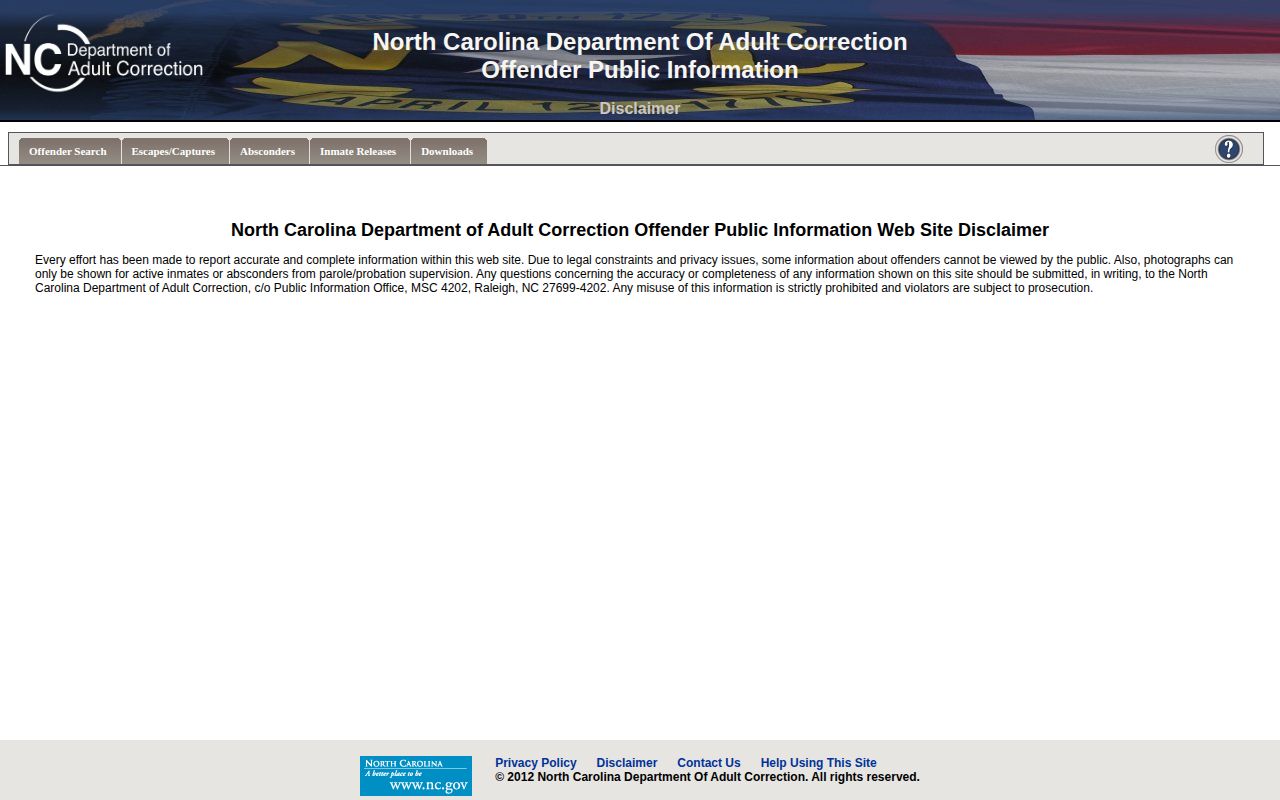
The disclaimer page shows policy, not an offender photo. It explains why a profile can lack an image. Photos turn on custody status. Yet NCDAC says nothing about how often images are replaced, whether one belongs to the current case, or when an old photo comes down. Do not treat an image as current. A county photo from an earlier stage may look nothing like the state's version.
Entries can stay searchable after release. Inactive status does not entitle anyone to a photo. The disclaimer promises no image for every active inmate and never ties a photo to the current case. A blank where a picture should be is not proof that no state record exists. Read the identity fields, the custody status, and any disposition before you lean on a match. Confirm the person through identifiers, not the photo alone.
Note: The public photo rule depends on NCDAC status, and the agency does not state a general image refresh or deletion timetable.
NCDAC Photos vs County Booking
County booking photos and NCDAC offender photos come from different records. One belongs to an arrest and local custody. The other belongs to state prison or supervision. The same person can show up in both at different times, and a shared name alone proves nothing. Compare dates, identifiers, custody status, and the office responsible.
| Record | What it covers | Where to look |
|---|---|---|
| NCDAC offender profile | State prison, probation, and parole records, including historical inactive entries. Photos are limited by the agency’s status rule. | Use the NCDAC search form and help pages. |
| County booking record | An arrest and jail intake record. Photo publication and roster access vary by county. | Use the North Carolina County Directory to reach the local sheriff or detention source. |
| Court case record | Docket events and case outcomes held by the court. A public portal view may omit sealed or restricted matters. | Check eCourts, then ask the clerk for the official copy or a record that is not online. |
A fresh arrest lands on the county roster first. A state-prison record may not exist yet. Anyone sent to a North Carolina prison belongs in NCDAC. Community supervision can appear there too, even with no jail stay. Federal prisoners sit in a separate system.
For local files, the North Carolina arrest and booking search lays out roster and request routes. Ask the county custodian for the booking photo or intake record. NCDAC does not hold county-jail files.
Each system answers a different question. County rosters cover local custody and what gets published after booking. NCDAC covers prison and supervision records. eCourts or the clerk handles case events and outcomes. A person can move through more than one system, and a blank in one search is not proof nothing happened, so check whether that office even holds the record first.
NCDAC Records Requests
NCDAC's public-records page notes that many offender records are confidential. Conviction, sentence, time-served, admission, and release details may be public. The agency can redact confidential parts. It need not create a report it does not already keep. A narrow request beats asking for everything on a person.
The online public-records request guidance gives the current route. Name the person. Add the offender number if you have it. Include a date range, record type, and format. Request an existing record, and name the photo if you need one.
Use this sequence for a focused request:
- Confirm the custodian. Send prison or supervision requests to NCDAC; send a county-photo request to the sheriff or detention office.
- Identify the record. Provide the name and offender number, if known, along with the date span, record type, and requested photo.
- Choose a practical format. Request an electronic copy when practical; NCDAC says it usually provides such copies when feasible.
- Allow time for scope. The agency may process large requests in batches. Simple requests may take days, while complex ones can take weeks or months.
- Review any response. Check for redactions. If part is withheld, ask what public portion exists and which rule limits the rest.
Those time frames are estimates rather than deadlines. A bulky or oddly formatted request can sit longer. Keep the confirmation handy with any notes on your record search. Custody also matters. A county booking photo belongs to the sheriff, while a docket copy comes from the clerk. The statewide directory maps those county-side routes. For technical trouble only, NCDAC posts a search contact page.